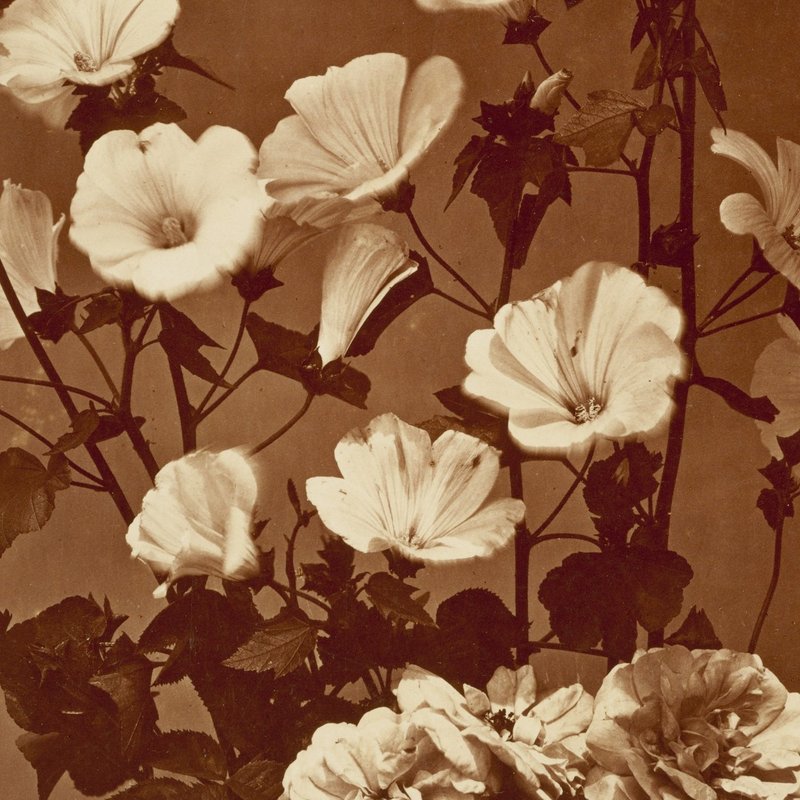
Turn a photo into a tattoo stencil
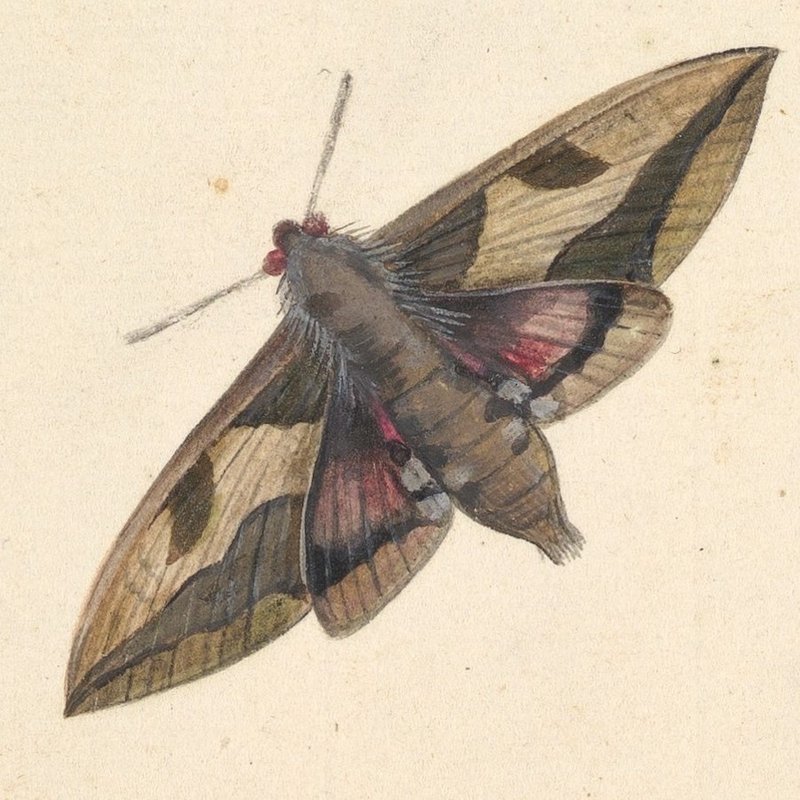
Linesmith makes a stencil from a photo of a design, on iPhone and Android. Pick one of three styles, tune the lines on your phone, then print it at true size.
How it works
- Take a photo with the camera, or choose one from Photos or Files (JPG, PNG or HEIC).
- Crop to the design: drag the corners so only the design is left. Rotate the photo if you need to.
- Choose a style, Outline, Hatching or Exact Trace, and tap Make stencil.
- Adjust Darkness and Line weight until the lines look right. Hold Compare to see your photo.
- Set the size of the long side, then print the stencil, or export a PDF or PNG.
The three styles
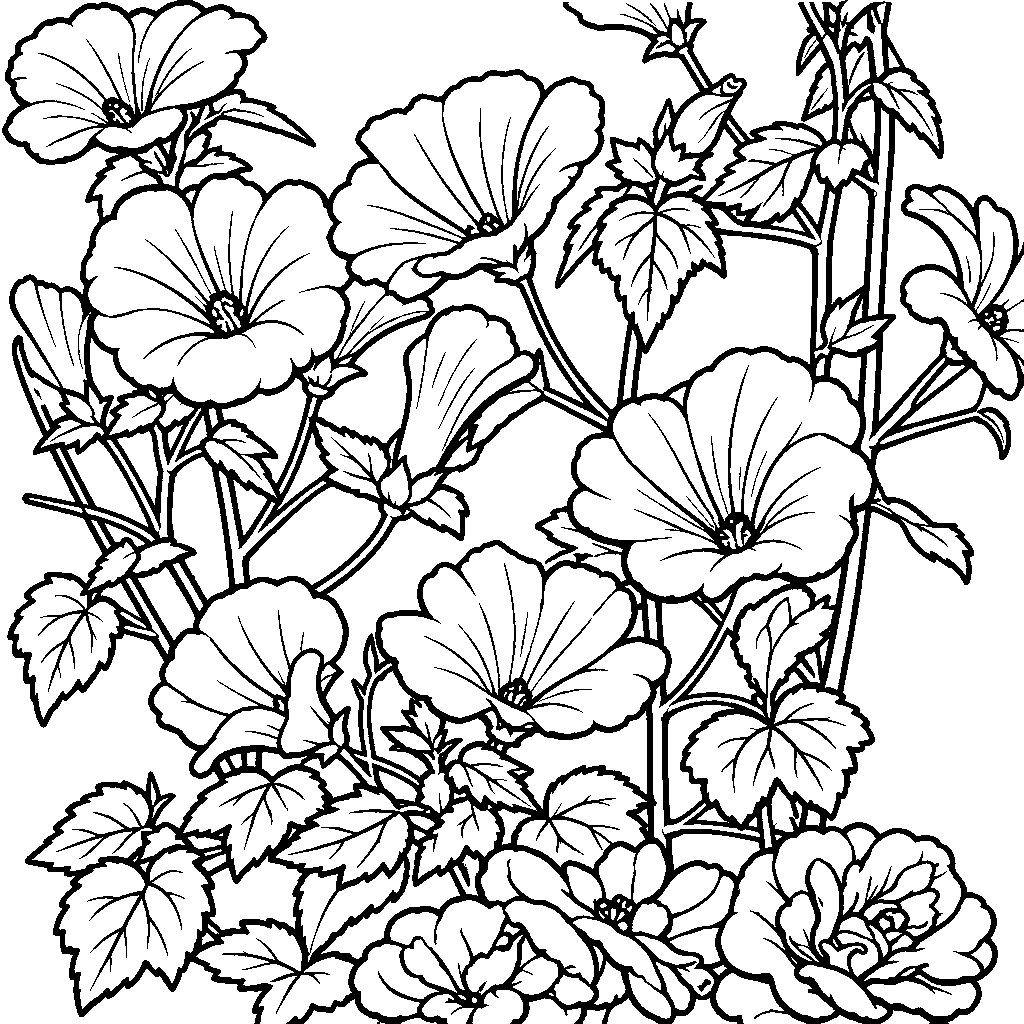
- Outline gives bold, clean outlines, redrawn by AI.
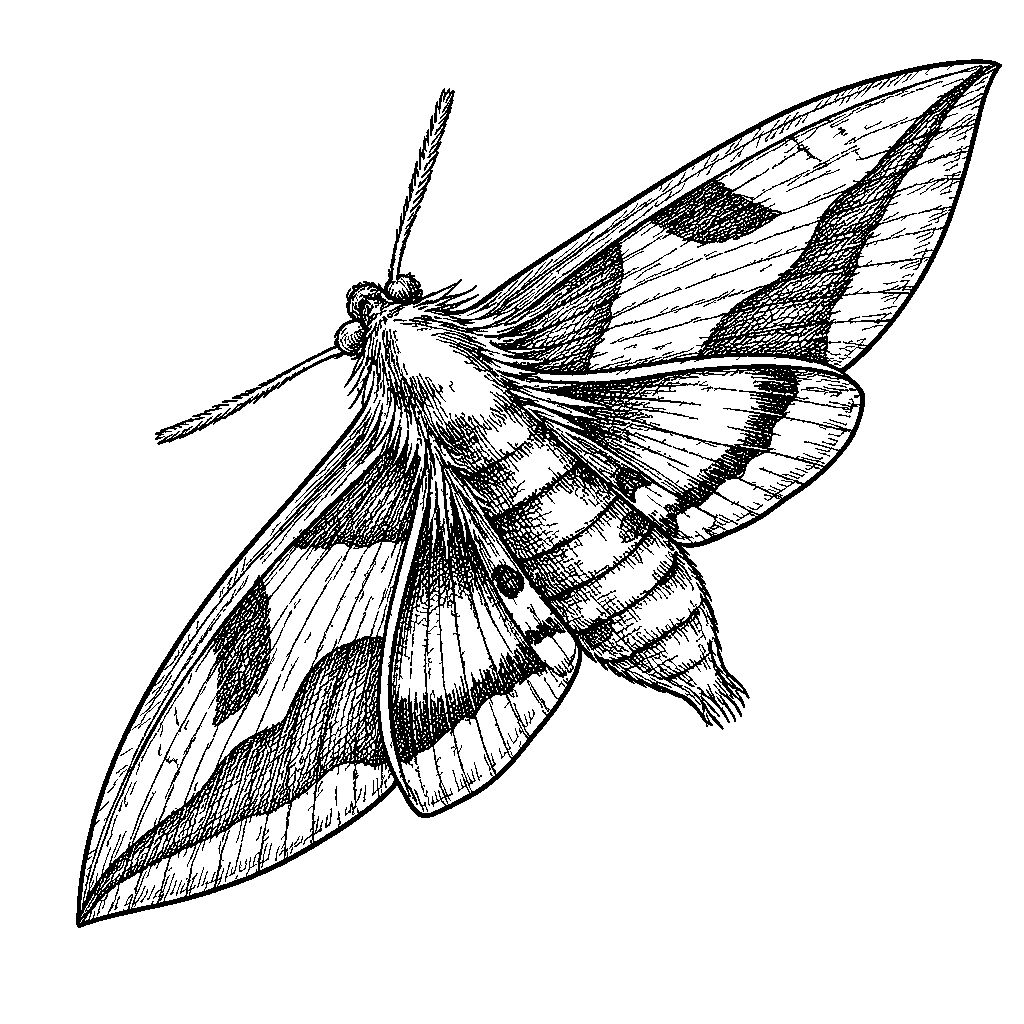
- Hatching gives outlines with hatch shading, redrawn by AI.
- Exact Trace follows the lines in your photo without AI, for portraits and anything where likeness matters. It comes out in pure black and white.
Because Outline and Hatching are redrawn by AI, details and faces can change. Check the stencil against your photo before you use it.
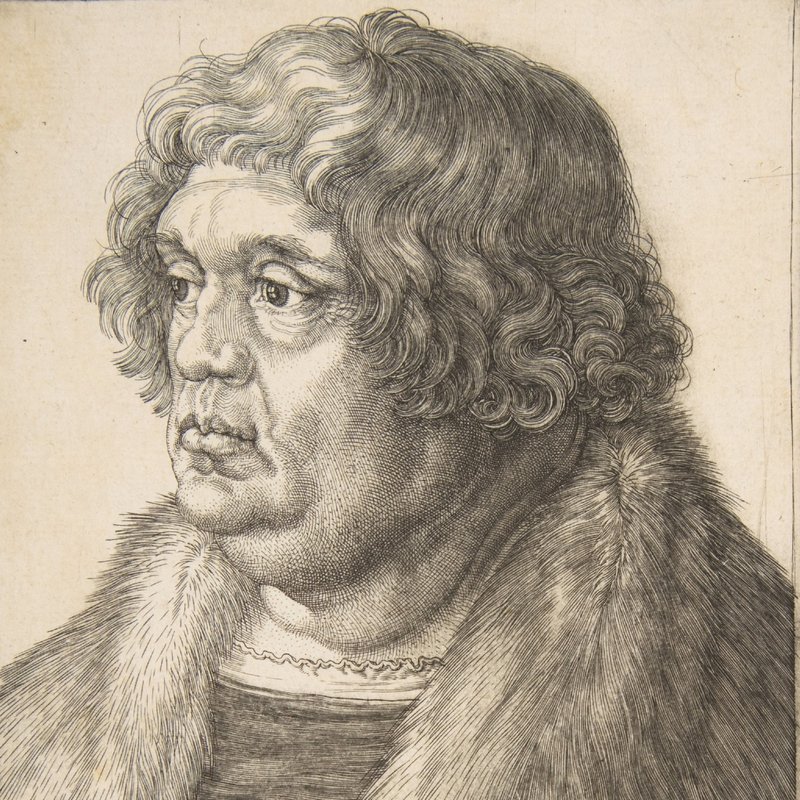
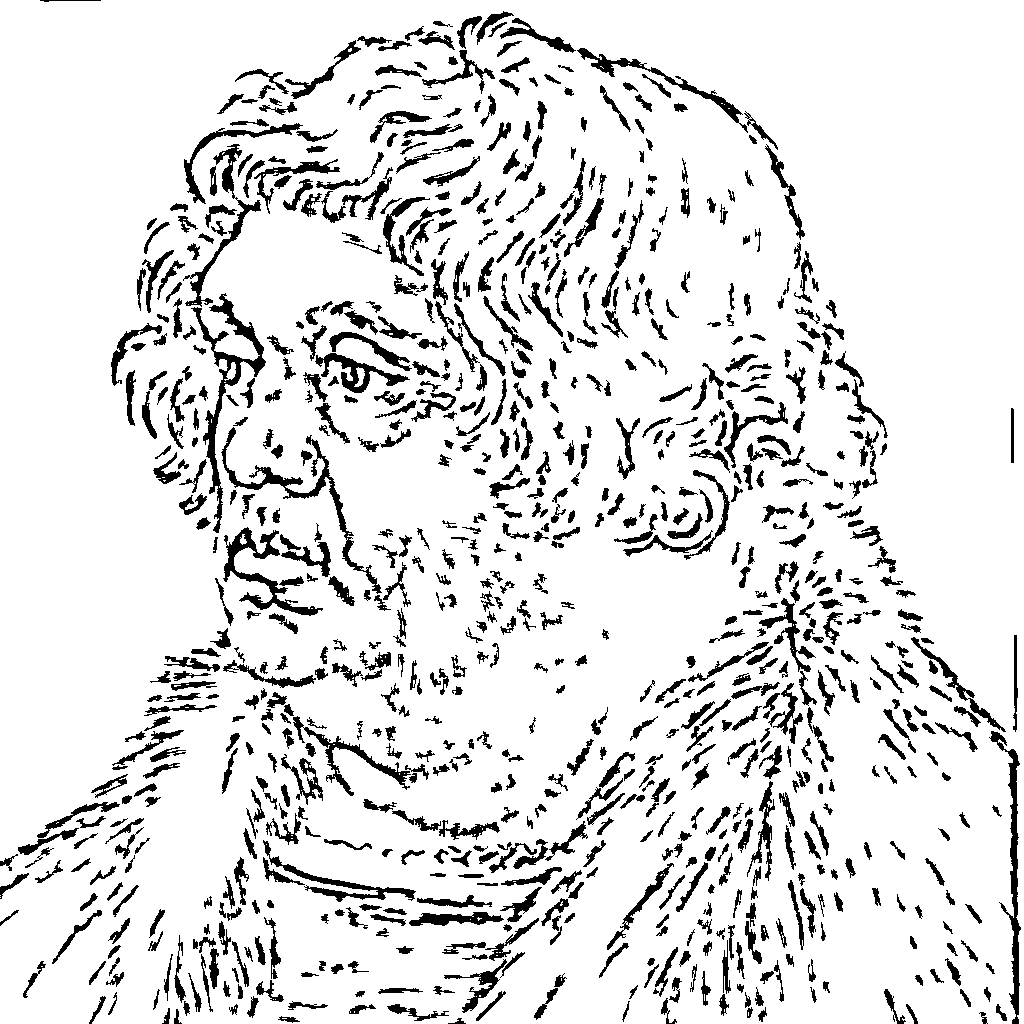
Questions
Which style should I pick?
Outline for clean line work, Hatching when you want the shading drawn as lines, and Exact Trace for portraits and likeness.
Can I change the lines after the stencil is made?
Yes. Darkness, line weight, mirror and size change right away on your phone. With Exact Trace, darkness stays as it is, because the stencil is already pure black and white.
What kind of photo works well?
Photograph the design straight on, in even light, and crop it tight in the app.
Is my photo kept?
Our server holds the photo and the stencil only in memory while it makes the stencil, and does not store them. For Outline and Hatching, the photo goes to an AI service, which may keep it for up to 30 days to monitor abuse. Your history, the last 50 stencils, stays on your phone. See the Privacy Policy.
Get Linesmith for iPhone or Android.