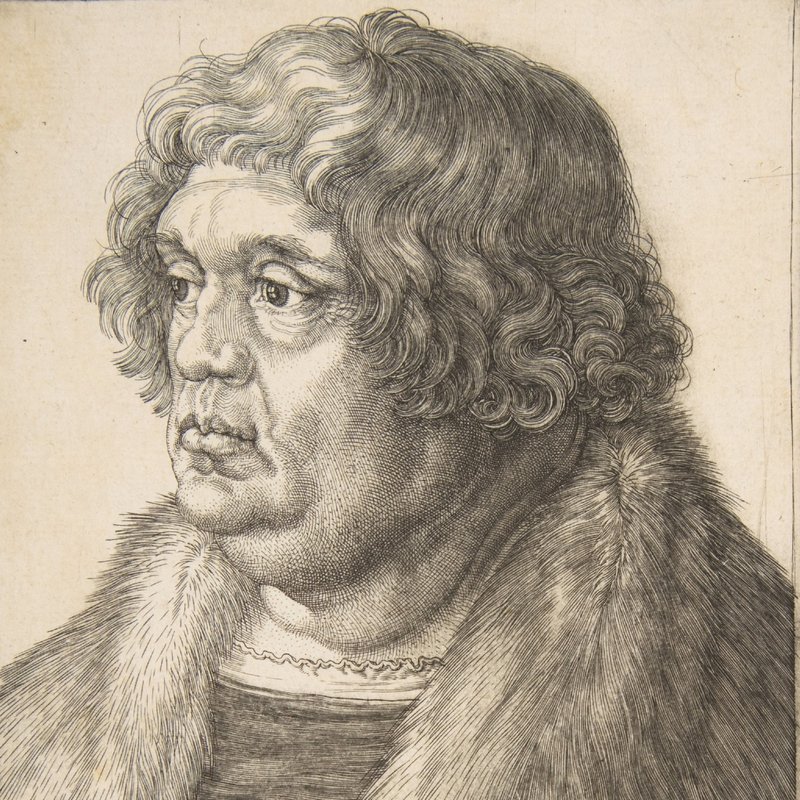
Portrait tattoo stencils with Exact Trace
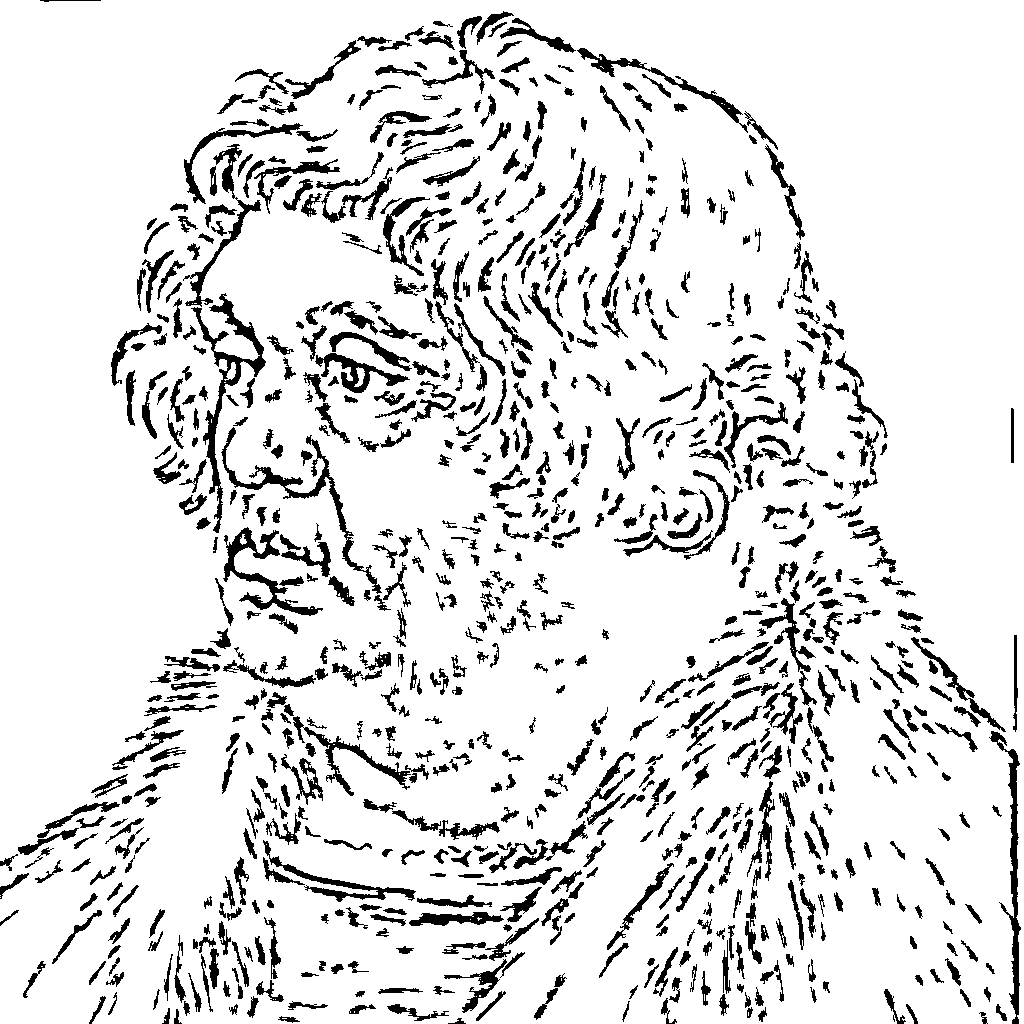
AI styles redraw the picture, so faces may not keep their likeness. Exact Trace in Linesmith follows the lines in your photo without AI, so nothing in the face is redrawn.
Make a portrait stencil
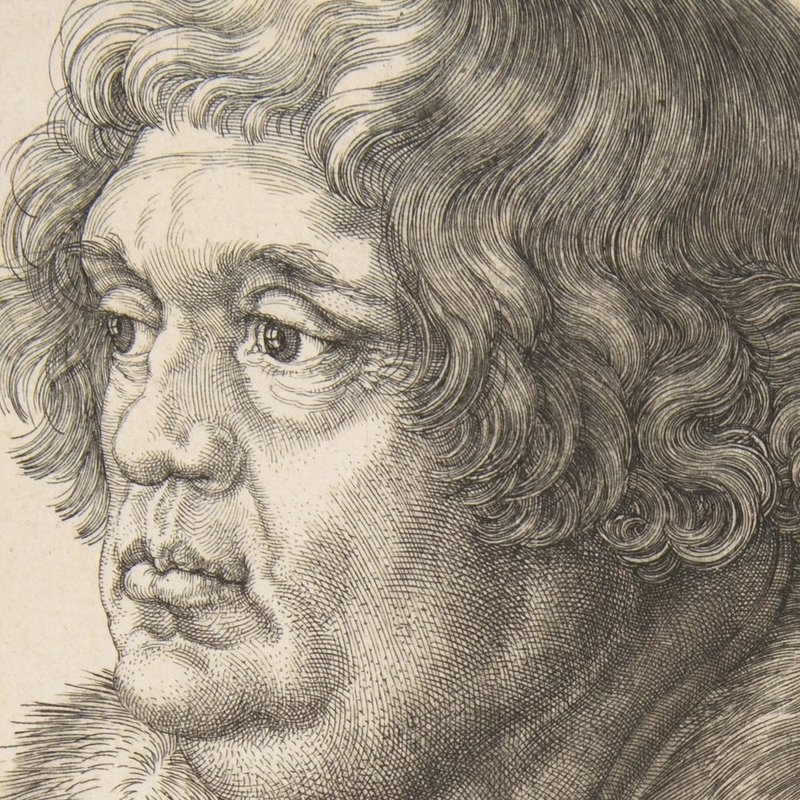
- Use a sharp photo of the face, taken straight on in even light.
- Crop it tight, so only the part you want in the stencil is left.
- Choose Exact Trace and tap Make stencil.
- Hold Compare to check the stencil against your photo, and adjust Line weight.
- Set the size of the long side and print at 100%, or export a PDF or PNG.
Why Exact Trace for faces
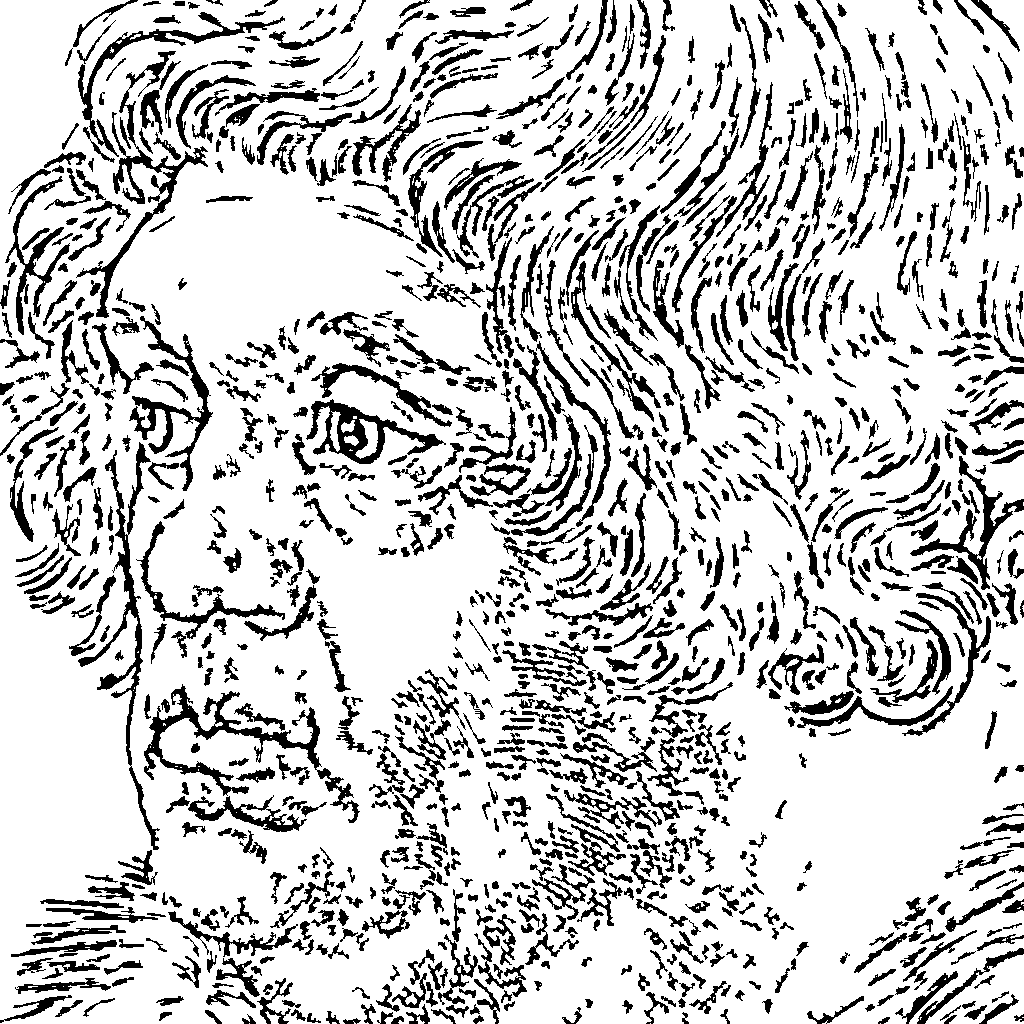
Outline and Hatching are redrawn by AI, so details and faces can change. Exact Trace follows the lines that are in your photo instead of drawing new ones. It comes out in pure black and white, and it traces everything inside the crop, so crop out a busy background.
Questions
Does Exact Trace use AI?
No. Our server traces the lines in your photo with image processing, without AI, and does not send the photo to an AI service.
Can I change the darkness?
No. Exact Trace is already pure black and white, so darkness stays as it is. Line weight, mirror and size still change.
Which photos trace well?
Sharp photos with clear edges, taken straight on in even light. Shadows and background texture are traced too, so crop tight.
Can I use the AI styles for a portrait?
Yes, but they redraw the picture, so the face may not keep its likeness. Check the result against your photo.
Get Linesmith for iPhone or Android.